
We are pleased to announce that FromThePage now integrates with CONTENTdm, the digital collections management system created by OCLC. Through this integration, CONTENTdm users can launch crowdsourcing projects on FromThePage without the need for uploading image files, copying metadata, or cut-and-pasting user contributions into their digital collections.
How it works
FromThePage uses CONTENTdm 5.1's new support for IIIF to import presentational metadata and references to image services. We've added a CONTENTdm import wizard to make the process easier. Simply find a compound object on your CONTENTdm site and paste its URL into the CONTENTdm URL field on FromThePage's Start a Project screen.
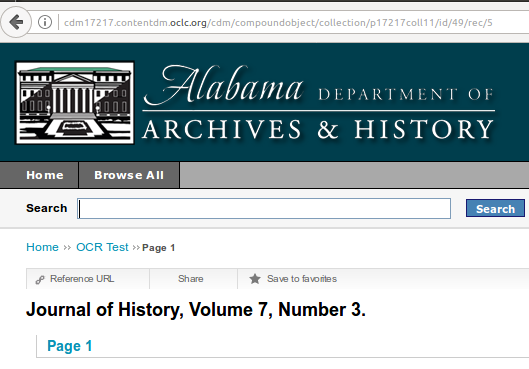
Copy the URL of the compound object.
Paste the URL into the Start a Project CONTENTdm field.

This automatically determines the IIIF manifest for the CONTENTdm compound object and begins the import process
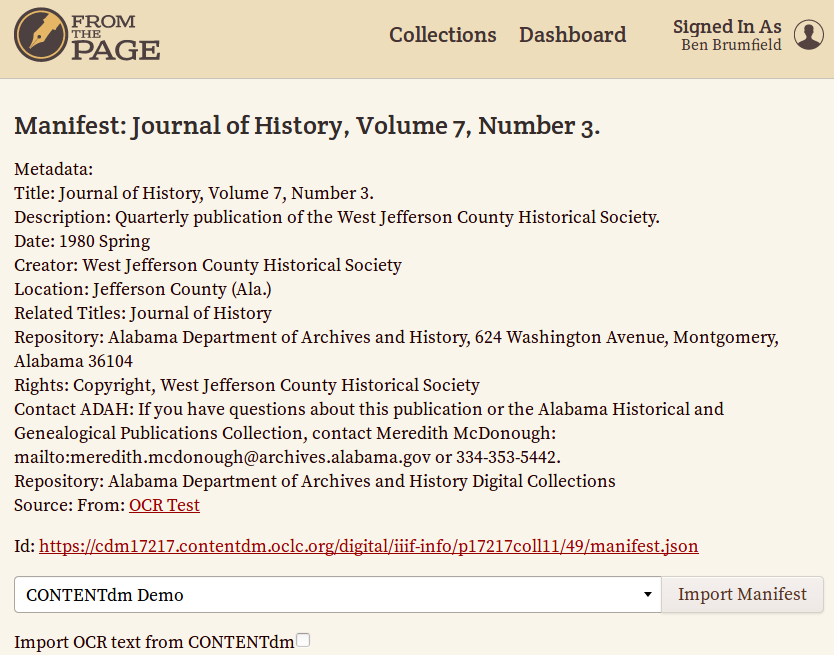
You can import images to be transcribed or images and raw OCR text from ContentDM. For OCR correction projects, check "Import OCR text from ContentDM"

You can also create AI drafts for your project. Before importing, tick the box that says “Generate AI Draft text using Gemini AI.”

The project is now ready for volunteers to transcribe, index, annotate or translate!
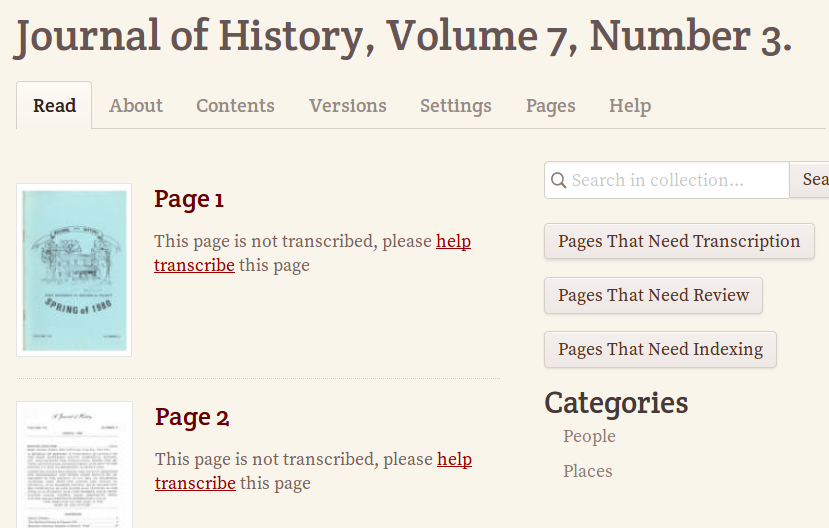
Relevant CONTENTdm metadata for the compound object and for each item is exposed in FromThePage's exports and APIs. In addition, OCR correction projects can push the corrected text directly to their CONTENTdm installation by entering their user credentials in a new "Export to CONTENTdm" flow.
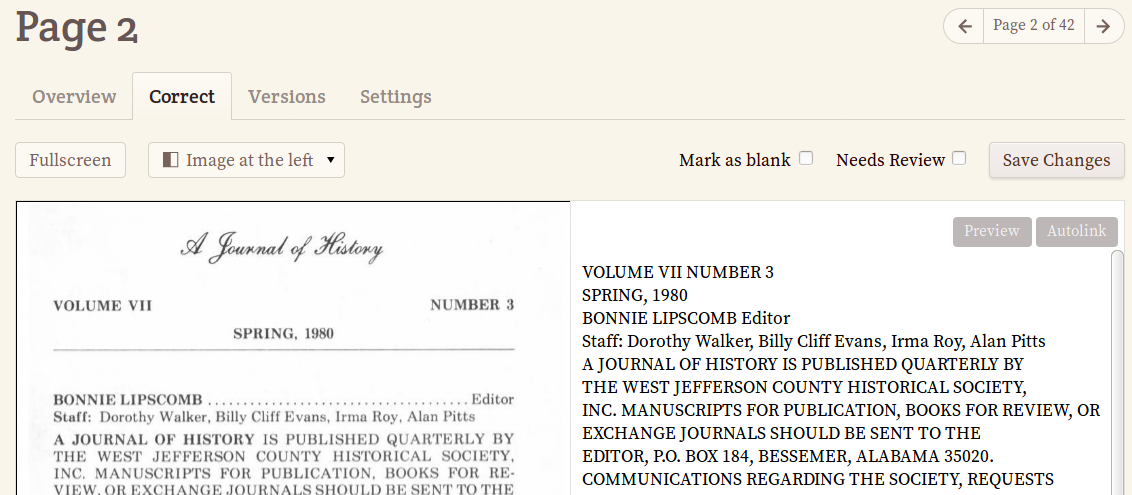
OCR correction projects will import the raw text directly from CONTENTdm.
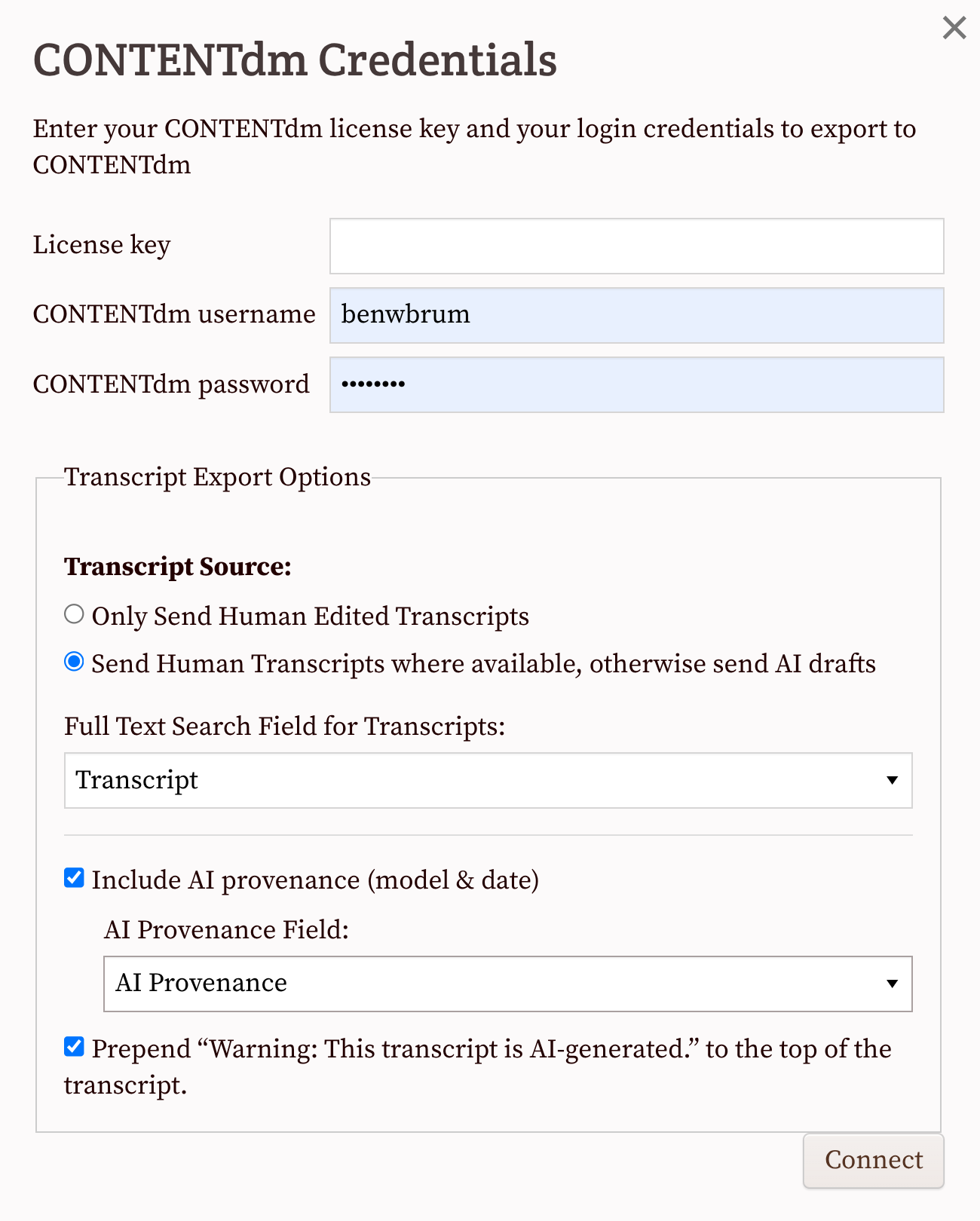
When exporting to CONTENTdm through its Catcher API, you can choose which version of the transcript to send: human-edited transcripts only or human-edited transcripts when available, with AI drafts as a fallback.
For AI drafts, you can also include provenance information. The export settings let you specify which CONTENTdm field should receive the transcript and whether to include AI provenance, such as the AI model used and the date the draft was generated. You can also choose whether to prepend a warning indicating that the transcript was generated by AI.
For human transcribed material, only (and all) the works that are 100% transcribed and have no pages marked "needs review" will be sent to CONTENTdm. We update the the field you've set up as full text search.
Whether you're sending AI or human transcripts, you'll need to update your index afterwards.
The next time you export to CONTENTdm, all of the 100% transcribed works will be sent, including the ones from the previous export.
It's not currently possible to export individual works to CONTENTdm.
You can see an example of an exported transcript in CONTENTdm on this letter from the Sandy Spring Museum. (Click on "transcript" immediately under the page image.)
Simple but Flexible
Integrating CONTENTdm and FromThePage makes it easy to run crowdsourcing projects from your existing digital collection systems, but it also opens up a world of interoperability through WebAnnotations and IIIF. High-resolution image viewers like Mirador and the Universal Viewer can improve the user experience of your digital collections (see the Harry Ransom Center's post on their experience). FromThePage's support for IIIF means that researchers can see transcriptions, translations, notes, and other crowdsourced content alongside images and metadata.
CONTENTdm enhancements to FromThePage were funded by the Council of State Archivists led by the Alabama Department of Archives and History, and joined by the Indiana Archives and Records Administrations, the Library of Virginia, and the Missouri State Archives. These enhancements are available to all users of the open-source crowdsourcing platform, whether hosted independently or on FromThePage.com. To learn more, contact support@fromthepage.com or sign up for a trial account.