
You can upload metadata to FromThePage to display on the "About" page for each document/work.
The following video will walk you through the process, or you can following along in the documentation below.
First, in the settings of your collection, look for the "Metadata" section on the right side.

Choose "Upload Metadata" and you'll see the following window.
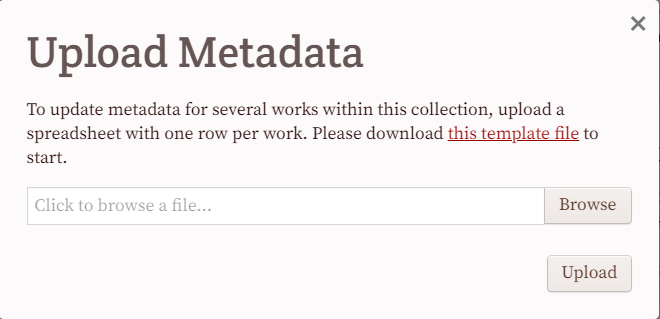
Download the template file, which has the FromThePage identifier and title for each work in your collection.

Keep the work_id field and add columns for any metadata fields you'd like to include in FromThePage. For this example I chose "year", "end year" "document type" and "creator."

Once you've filled out the spreadsheet, upload it in the "Upload Metadata" screen:
Now, if you look at the "About" screen of a document, you'll see the metadata fields you just uploaded with values for that document. You can use a variety of values your transcribers might want to know, including links to other systems.
